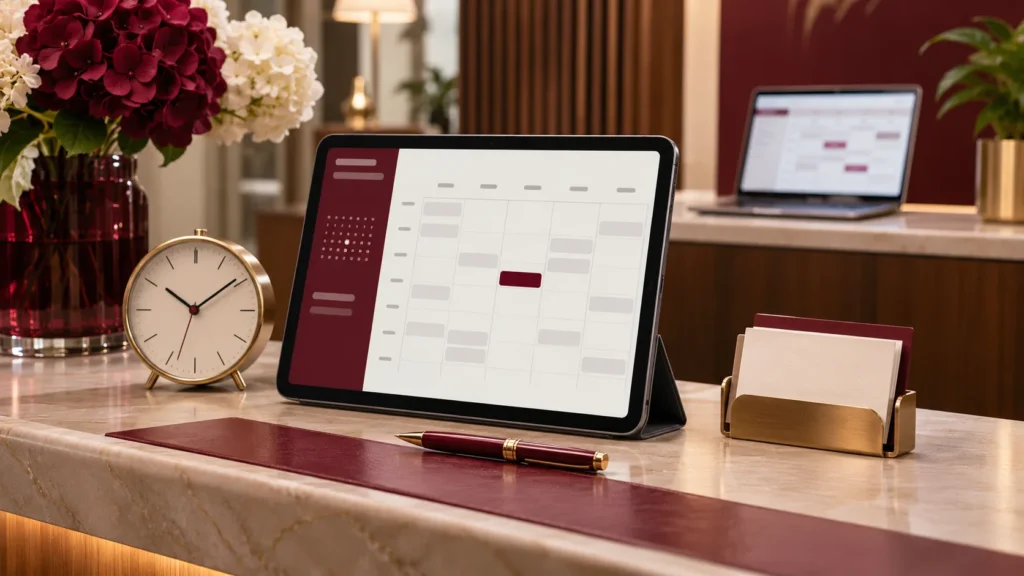
A booking form can collect a name and a date. A useful booking system also needs to know whether the business can deliver what the customer selected. That difference matters whether you run a guesthouse, rent out equipment or offer appointments during the day.
Define what is being booked
An appointment uses a person’s time. An accommodation booking uses a room for a range of nights. Equipment hire uses a physical item that must be collected and returned. Write down the resource and the unit of availability before choosing a calendar. A single daily counter may not be enough for a business with several staff members or items.
Allow time around the booking
Your public opening hours are not necessarily the same as your bookable hours. You may need travel time, cleaning, preparation or a gap between customers. Decide how far in advance people can book, how much notice you need and whether some dates require manual approval. Include weekends, public holidays and planned closures in the discussion.
Make the payment rule clear
Decide whether a booking requires full payment, a deposit or no payment at the time of reservation. Then define when availability is held and when it is released. If a customer leaves checkout without paying, the system needs a clear rule for what happens to that slot. Staff should be able to see the difference between a request, a confirmed booking and a cancelled booking.
Plan changes as carefully as new bookings
Customers may need to reschedule. Staff may need to block a date or move a booking. An item might be returned late. Agree who can make each change, what the customer is told and whether a payment adjustment needs separate handling. Clear confirmation and reminder messages should include the date, time, location and next step.
Test real situations before launch
- Two customers try to book the last available slot or item.
- A payment fails or is abandoned.
- A staff member adds a telephone booking.
- A customer requests a change close to the booking date.
- A resource becomes unavailable after a booking is confirmed.
- A customer books on a phone using a slower connection.
The aim is a calendar that your team can trust. Start by writing down your existing rules and the situations that cause the most admin work. LittleGoliath’s industry solutions can then be shaped around the booking process your business needs, with a focused custom feature where a standard setup falls short.