How to Add a Blog to Your WordPress Website
Step 1: Log in to Your WordPress Dashboard Step 2: Write Your First Blog Post In the dashboard left menu, go to Posts > All Posts, click Add Post…
Read article
Step 1: Log in to Your WordPress Dashboard Step 2: Write Your First Blog Post In the dashboard left menu, go to Posts > All Posts, click Add Post…
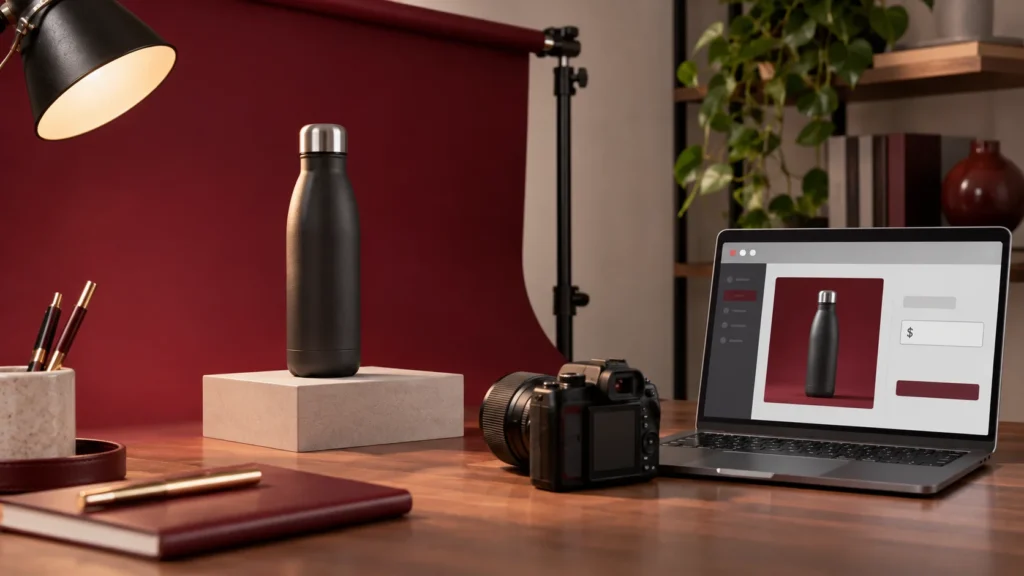
Read articleStep 1: Open the Product In your WordPress dashboard, go to Products. Find the product you want to edit and click Edit. Step 2: Set a Sale Price and…
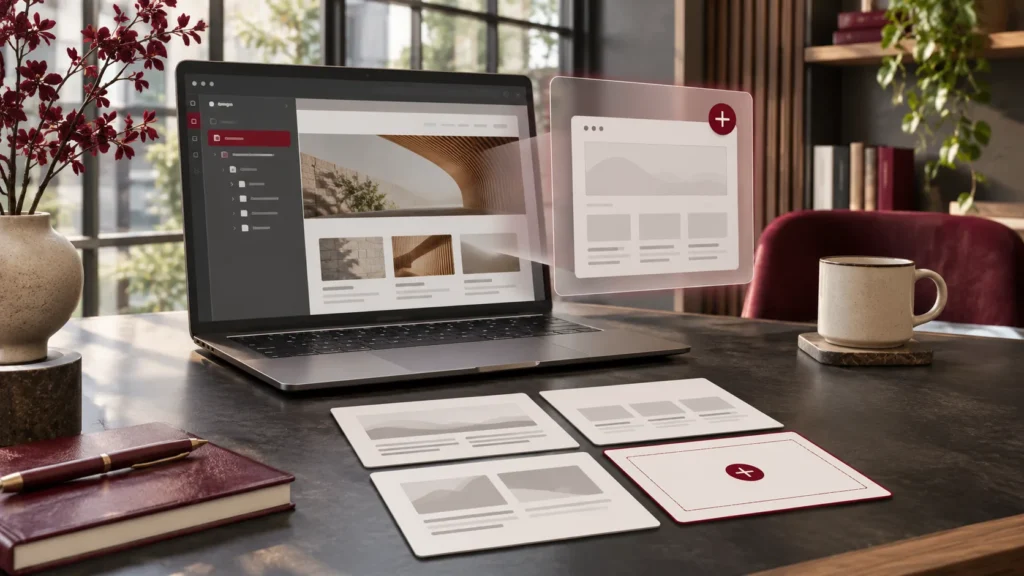
Read articleStep 1: Duplicate a Page In your WordPress dashboard, go to Pages > All Pages. Find the page you want to copy that is similar to what you want…
Read articleVariable products allow a single product to have multiple options — for example, a T-shirt available in different sizes and colours. You can have more than one attribute per…
Read articleStep 1: Open the Product for Editing In your WordPress dashboard, go to Products > All Products. Find the product you want to edit. Hover over the product name…
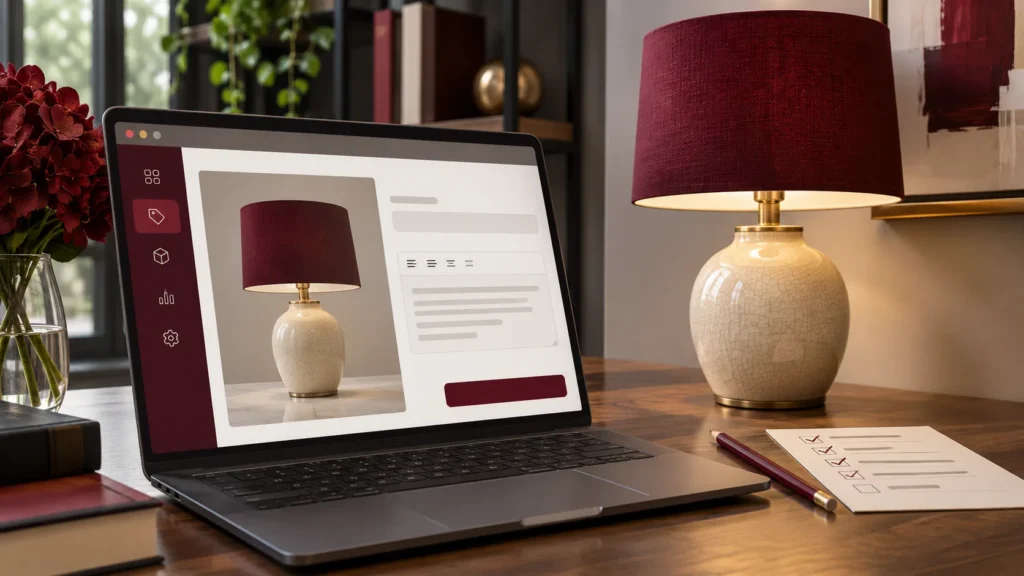
Read articleA simple product is a standard product with no variations (like size or colour). Steps: In your WordPress dashboard, go to Products > Add New. Enter the Product Name…
Read articleFROM READING TO BUILDING
Tell us what your business needs. We’ll help you work out the next step.


Need a hand? Contact our team