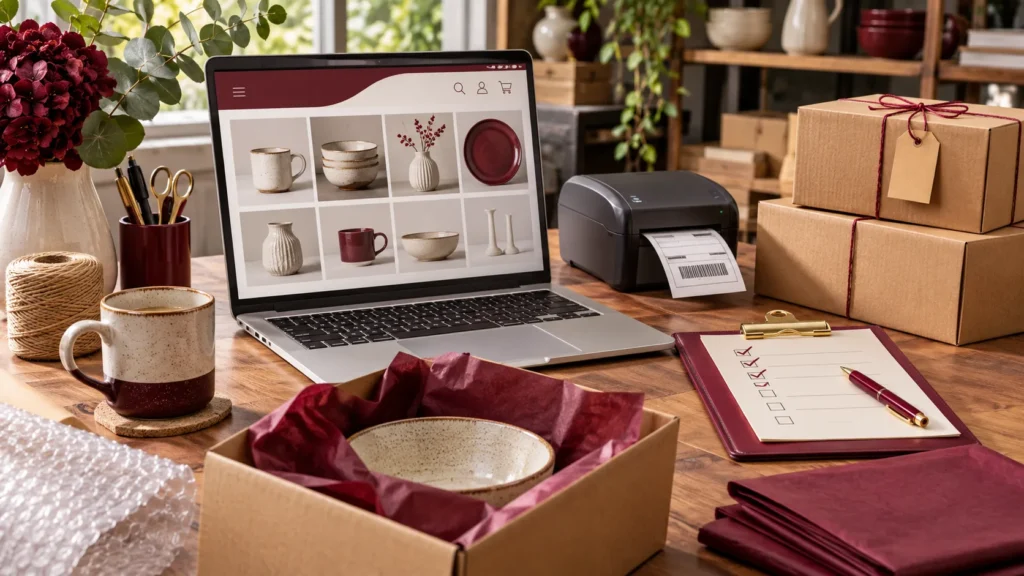
An online store has two jobs: help a customer decide what to buy and make it practical for your team to fulfil the order. A polished product page matters, but so do the less visible details behind checkout. Prepare those details before you start sending people to the store.
Build a catalogue people can understand
Give each product a clear name, useful description and accurate price. Explain dimensions, materials, compatibility or care instructions where they affect the buying decision. Photograph the actual item wherever possible and show the details a customer would normally inspect in person.
For products with sizes, colours or other options, agree how each variation will be tracked. Decide what should happen when stock runs out: hide the item, show it as unavailable or accept backorders only when you can explain the lead time clearly.
Define delivery before configuring checkout
List the areas you serve, the delivery methods available and any collection option. Work out what the customer will pay and whether weight, location or order value changes the charge. Include packaging and handling in your planning. Customers should be able to understand the likely delivery timing before committing to an order.
Test the whole payment journey
Select a payment provider that suits the business and complete its setup requirements. Use its supported test process to check successful payments, failed payments and cancellations. Confirm that the order status and customer message match what actually happened. A payment button appearing on the page does not mean the entire payment flow has been verified.
Make customer communication useful
Review the order confirmation email, contact details and instructions sent after purchase. Decide who monitors new orders and support requests. Write plain-language delivery, cancellation and return information appropriate to the products you sell, and obtain advice where your particular obligations need checking.
Run a small launch rehearsal
- Place a test order from a phone and another from a desktop.
- Try a product variation and change its quantity in the cart.
- Check delivery choices for the areas you actually serve.
- Confirm that discounts behave as intended, if you offer them.
- Check that the team can find the order and carry out fulfilment.
- Review the emails received by both the customer and the business.
Start with a catalogue your team can maintain accurately. After launch, use real customer questions to improve descriptions and remove friction. A smaller store with dependable stock information and clear fulfilment is a stronger foundation than a large catalogue nobody can keep up to date.
Further reading: WooCommerce’s store launch checklist.