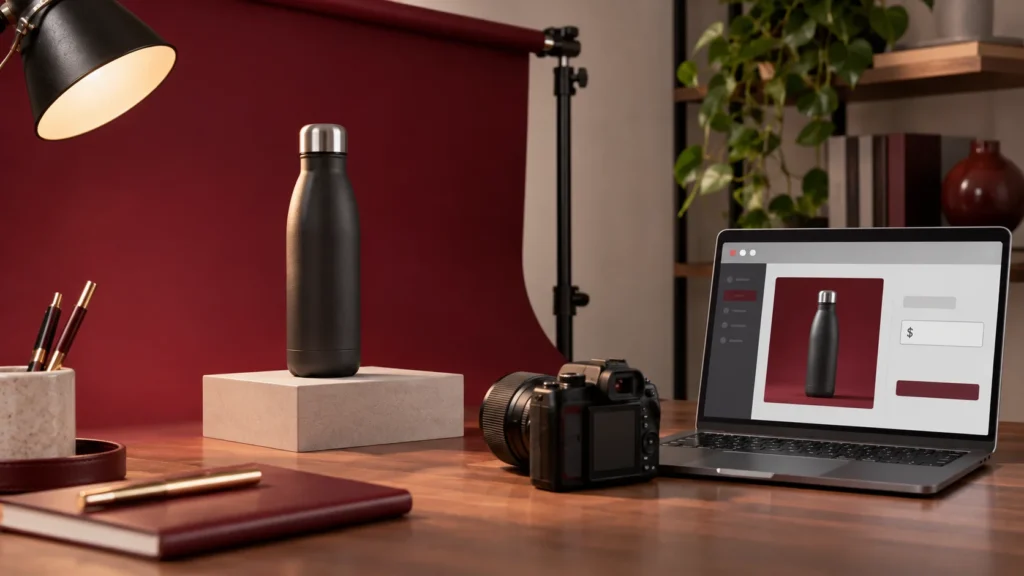
How to load a simple product on your WordPress Website
A simple product is a standard product with no variations (like size or colour). Steps: In your WordPress dashboard, go to Products > Add New. Enter the Product Name…
Read article
A simple product is a standard product with no variations (like size or colour). Steps: In your WordPress dashboard, go to Products > Add New. Enter the Product Name…
Read articleStep 1: Log in to WordPress Go to yourwebsite.co.za/wp-admin Use the login details provided to you Step 2: Open the Page You Want to Edit In the left menu,…
Read articleStep 1: Open the Page in UX Builder In your WordPress dashboard, go to Pages > All Pages. Find the page with the gallery you want to edit and…
Read articleHow to Log into Your WordPress Backend Open your internet browser (Chrome, Edge, or Firefox). In the address bar, type your website address followed by /wp-admin. Example: www.yourdomain.co.za/wp-admin You…
Read articleStep 1: Log in to Webmail Open your internet browser (for example Chrome, Edge, or Firefox). In the address bar, type: www.yourdomain.co.za/webmail On the login screen, enter your full…
Read articleUpdate Your Password in Outlook Desktop App (Outlook Classic) If you use the Outlook app installed on your computer: Open Outlook. Go to the File tab (top left). Select…
Read articleFROM READING TO BUILDING
Tell us what your business needs. We’ll help you work out the next step.


Need a hand? Contact our team